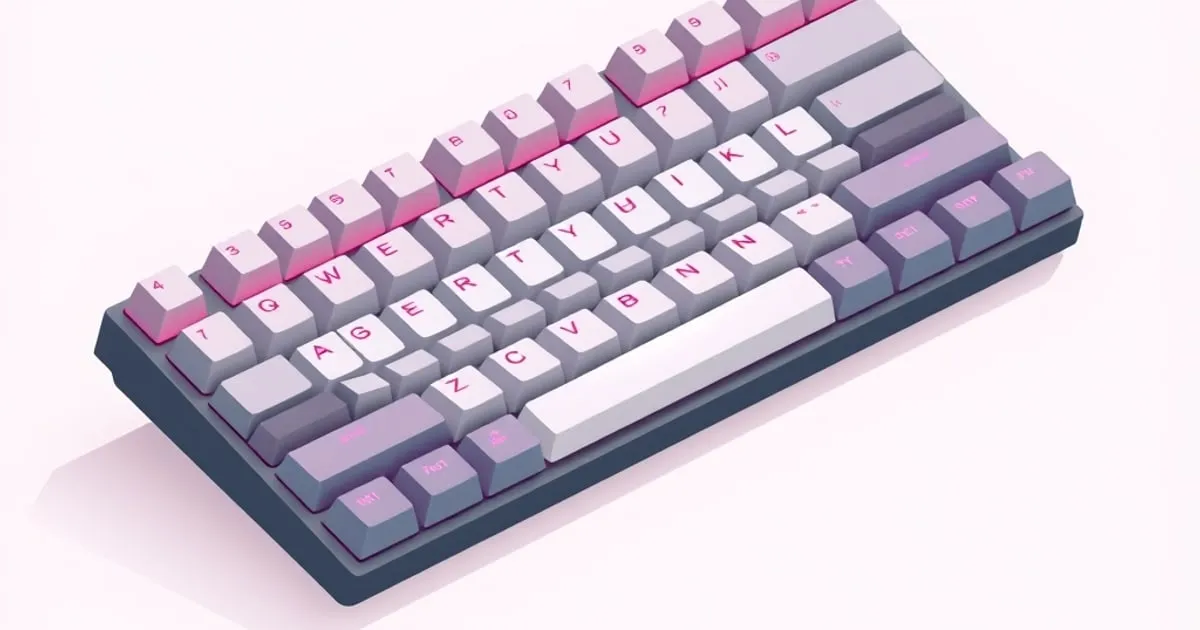
Stabilizers and Keycaps: The Two Upgrades That Matter Most
Why stabilizers and keycaps matter more than most buyers expect — how each affects feel and sound, and how to evaluate them before and after you buy.
When people compare mechanical keyboards, they talk about switches and cases. But the two components that most reliably make a board feel cheap or premium are the ones buyers think about least: the stabilizers and the keycaps. Both are also among the easiest things to upgrade, which makes understanding them unusually high-value.
Stabilizers: the most common reason a keyboard feels cheap
Long keys — the space bar, the shift keys, enter, and backspace — are too wide to ride on a single switch without tilting. Stabilizers are the mechanisms that keep these keys level so they press evenly no matter where you hit them. When stabilizers are bad, you hear it immediately: a hollow rattle on the space bar, a tick on enter, a key that feels mushy on one side.
Stabilizer quality is largely independent of switch quality. You can have wonderful switches and still hate a board because the space bar rattles like a maraca. This is why budget boards so often disappoint even when their switches are fine.
What separates good stabilizers from bad
- Tuning. Stabilizers benefit from a small amount of lubricant on the contact points and from being “clipped” so the wire seats cleanly. Better boards do this at the factory; cheaper ones leave it rattly.
- Fit. A stabilizer wire that is the wrong length or loosely held will tick. Tighter tolerances feel solid.
- Type. Plate-mounted and screw-in (PCB-mounted) stabilizers differ in how stable they feel and how easy they are to service. Screw-in stabilizers are generally regarded as the more solid of the two and are common on mid-tier and better boards.
How to evaluate them
Before buying, look for reviews that specifically describe the stock stabilizer feel — phrases like “rattly out of the box” or “factory-tuned” tell you more than the overall score. After buying, the space bar is your test: press it firmly at the left edge, the center, and the right edge. If all three feel consistent and quiet, the stabilizers are good. If any position rattles or feels different, they need tuning — which is a cheap, learnable fix and one of the highest-impact modifications in the hobby.
Keycaps: feel, sound, and longevity
Keycaps are the surfaces your fingers actually touch. They affect three things at once: how the board feels, how it sounds, and how it ages.
Material
The two dominant keycap plastics are ABS and PBT.
- ABS is smooth and takes vibrant legends well, but over months of use the most-touched keys develop a glossy “shine” as the surface polishes against your fingers. It also tends to sound slightly higher-pitched.
- PBT is more textured, resists shine far better over time, and generally sounds a touch deeper. It is widely preferred for durability, which is why it shows up as a selling point on better boards.
Neither is universally correct — some people prefer the smoothness of ABS — but if you want keycaps that still look new after heavy use, PBT is the safer choice.
Profile
Keycap “profile” is the shape and height of the caps across the rows. Some profiles are tall and sculpted, others low and uniform. Profile changes typing feel and sound noticeably, and it is almost entirely preference. The practical caution: if you plan to swap keycaps later, profile is part of what you are choosing, and it interacts with how your hands have adapted to the stock set.
Legends
How the characters are printed matters for longevity. Printed-on legends can wear away; legends formed into the plastic itself (double-shot or dye-sublimated) do not. Boards that advertise their legend method are usually signaling durability, and it is a fair signal.
Why these two upgrades give the best return
Switches get the attention, but consider the economics. Tuning or replacing stabilizers is inexpensive and removes the single most common complaint about budget boards. Swapping keycaps changes feel, sound, and durability without touching the electronics, and the caps move with you to your next board. Together, they can transform a modest hot-swap keyboard into something that feels far above its price — often more cost-effectively than buying a more expensive board outright.
Practical checklist
- Read reviews for explicit comments on stock stabilizer rattle, not just the headline score.
- Prefer boards with screw-in stabilizers if the option exists.
- Test a new board’s space bar at left, center, and right; uneven feel means stabilizers to tune.
- Choose PBT keycaps if long-term appearance matters to you; pick profile by preference, knowing your hands will adapt.
- Favor double-shot or dye-sublimated legends for keys that won’t wear blank.
Get these two right and most of what makes a keyboard feel premium is already handled — regardless of what the box cost.
Related
Troubleshooting Common Mechanical Keyboard Problems
Diagnose and fix the most common mechanical keyboard issues — chatter, dead keys, stuck modifiers, stabilizer rattle — with a calm, methodical approach.

Best Mechanical Keyboard Under $100 in 2026: Four Picks That Actually Hold Up
The best mechanical keyboard under 100 2026 doesn't require compromise anymore. Gasket mounts, hot-swap sockets, and QMK firmware now land well below $100. Here's what to buy and why.
ANSI vs ISO vs JIS Keyboard Layouts: Which One to Buy
The three physical keyboard standards explained — what differs between ANSI, ISO, and JIS, how the choice affects keycaps and typing, and the reasoned pick.