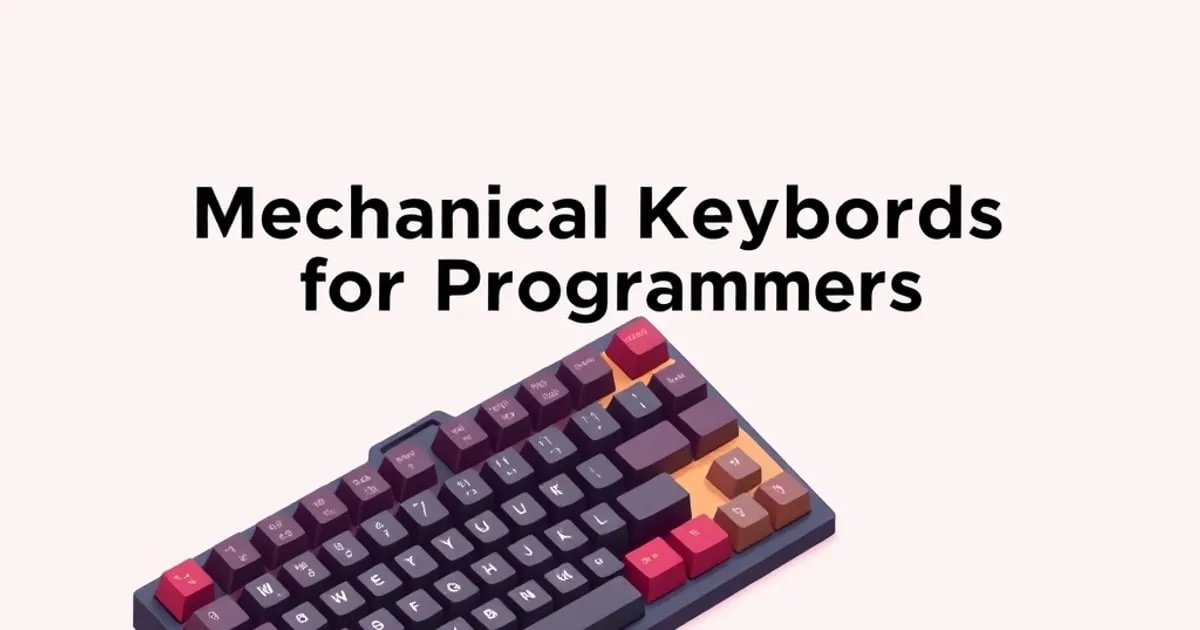
Best Mechanical Keyboards for Programmers: How to Choose
What actually matters in a programming keyboard — layout, switch feel, modifier reach, and software — plus the reasoned criteria we use to recommend boards for coding.
Programming is a strange workload for a keyboard. You type far less raw text than a novelist, but you reach for symbols, modifiers, and navigation keys constantly, and you do it for eight or more hours at a stretch. The board that wins for coding is rarely the flashiest one. It is the one that keeps your most-used keys in easy reach and disappears under your hands so you can think about the code instead of the keyboard.
Rather than name a single “winner,” this guide explains the criteria that actually decide whether a board is good for programming, so you can recognize the right keyboard regardless of brand or release date.
What actually matters for coding
Modifier and symbol reach
Programmers lean on Ctrl, Alt, Shift, brackets, semicolons, and the arrow cluster far more than the average typist. The single best predictor of whether a keyboard will feel good for coding is how easily your hands reach those keys without contorting. A board with a comfortable, full-size left modifier block and real, dedicated arrow keys will almost always beat a more exotic layout that buries [ ] or arrows behind a function layer.
This is why many experienced programmers settle on 65%, 75%, or TKL layouts: they keep arrow keys and a sane modifier row while trimming the parts that coding rarely touches, like the number pad. We cover this trade-off in depth in our keyboard form factors guide.
Switch feel for long sessions
Coding is a marathon, not a sprint. Tactile switches are a popular default because the bump confirms a keystroke without forcing you to slam the key to the bottom, which can reduce fatigue across a full day. Linear switches are an equally valid choice if you prefer a smooth, quiet feel and do not miss the tactile cue. Clicky switches work mechanically but are usually a poor fit in any shared space.
There is no objectively correct answer here — it is genuinely personal. If you are unsure, our guide to switch types explains the three families and why a hot-swap board is the safest way to discover your own preference.
Software and remapping
Programmers remap keys. Caps Lock becomes Ctrl or Esc, layers get custom symbol clusters, and macros automate repetitive edits. The best programming boards let you do this with local, persistent configuration — ideally remapping that survives in onboard memory so it works the moment you plug into a new machine, with no background app and no cloud account required. A board whose remapping only works through a running application loses points here, because your configuration vanishes the moment you switch computers.
Build quality and noise
A creaky case or a space bar that rattles is a small annoyance the first day and a real one by month three. For office programming specifically, sound discipline matters: a board that is pleasant to you can still be a problem for the person at the next desk. Well-tuned stabilizers are the difference between a board that sounds composed and one that sounds cheap — see why stabilizers and keycaps matter most.
How we weight these criteria for programming
When we evaluate a board specifically for coding, the weighting is deliberate and stated rather than hidden in a single score:
- Layout and modifier reach carry the most weight. A board you fight ergonomically is wrong no matter how good the switches feel.
- Build quality and stabilizer tuning come next, because they determine whether the board stays pleasant over years of daily use.
- Software and onboard remapping are weighted heavily for programmers specifically, more than for most other use cases.
- Switch family is reported and explained but not ranked against itself, because preference dominates and a hot-swap board makes it changeable anyway.
This mirrors the broader approach in how we rank keyboards: we change the weighting to fit the use case instead of pretending one composite number fits everyone.
A reasoned shortlist approach
Instead of a fixed list that ages badly, here is the decision path we would actually follow:
- Pick a layout that keeps arrows and modifiers real. For most programmers that means 65%, 75%, or TKL. Full-size only if you also crunch numbers.
- Insist on a hot-swap PCB. It lets you change your mind about switches without buying a new board, which is the single highest-value feature at almost any price.
- Require onboard, local remapping. You will remap. Make sure the configuration travels with the board.
- Read reviews for stock stabilizer comments, not headline scores. “Rattly out of the box” tells you more than a number.
- Match the switch to your environment. Quiet linear or tactile for shared offices; whatever you love for a private space.
A board that clears all five of those is very likely to be an excellent programming keyboard, whether it is this year’s hyped release or a quiet workhorse that has been around for years.
Common mistakes programmers make when buying
A few recurring errors explain most of the regret we see from coding-first buyers:
- Going too small too fast. A 60% looks clean, but burying arrow keys and symbols behind a layer is a daily tax for anyone who edits code heavily. Programmers reach for arrows, brackets, and modifiers constantly; shrinking past 65% should be a deliberate choice, not a default.
- Picking switches off a review. Switch feel is personal, and the switch a reviewer loves you may dislike. The fix is not finding the “right” recommendation — it is buying a hot-swap board so the decision stays cheap and reversible.
- Ignoring software until after purchase. Discovering that remapping only works through a background app on one machine is a common late surprise. For programmers who move between machines, onboard, persistent remapping is close to mandatory and should be confirmed before buying.
- Treating RGB or brand as a quality signal. Lighting and a respected logo say nothing about stabilizer tuning or case rigidity. A well-known brand still ships boards with rattly stabilizers.
- Underrating the stabilizers. The component most likely to make a board feel cheap by month three is the one buyers think about least. Read reviews for stock stabilizer behavior specifically, not the headline score.
Avoiding these five matters more than landing on any particular model, because each one is a way capable buyers talk themselves into a board that quietly works against them all day.
The honest bottom line
The best programming keyboard is not a specific model — it is a set of properties. A sensibly compact layout with real arrows, a hot-swap PCB, local remapping that persists, well-tuned stabilizers, and a switch you personally like will out-serve almost any board chosen on hype. Get those right and the keyboard stops being something you think about, which for a programmer is exactly the point.
Related

Best Mechanical Keyboards for Gaming: What Matters
Which gaming keyboard features are real advantages and which are marketing — switches, polling, connection, and layout — with the reasoned criteria we rank by.
Best Quiet Mechanical Keyboards for the Office
How to pick a mechanical keyboard that is pleasant in a shared workspace — switches, dampening, stabilizers, and the reasoned criteria behind quiet-board recommendations.

Best Mechanical Keyboards for Writers and Long-Form Typing
What a writing keyboard needs that a gaming one doesn't — comfort over hours, sound, key feel, and layout — and the reasoned criteria behind our recommendations.